Fusion Starter

Overview
Fusion Starter is an entry-level game sample designed for testing and learning about Fusion, and enjoying multiplayer gameplay with friends and colleagues.
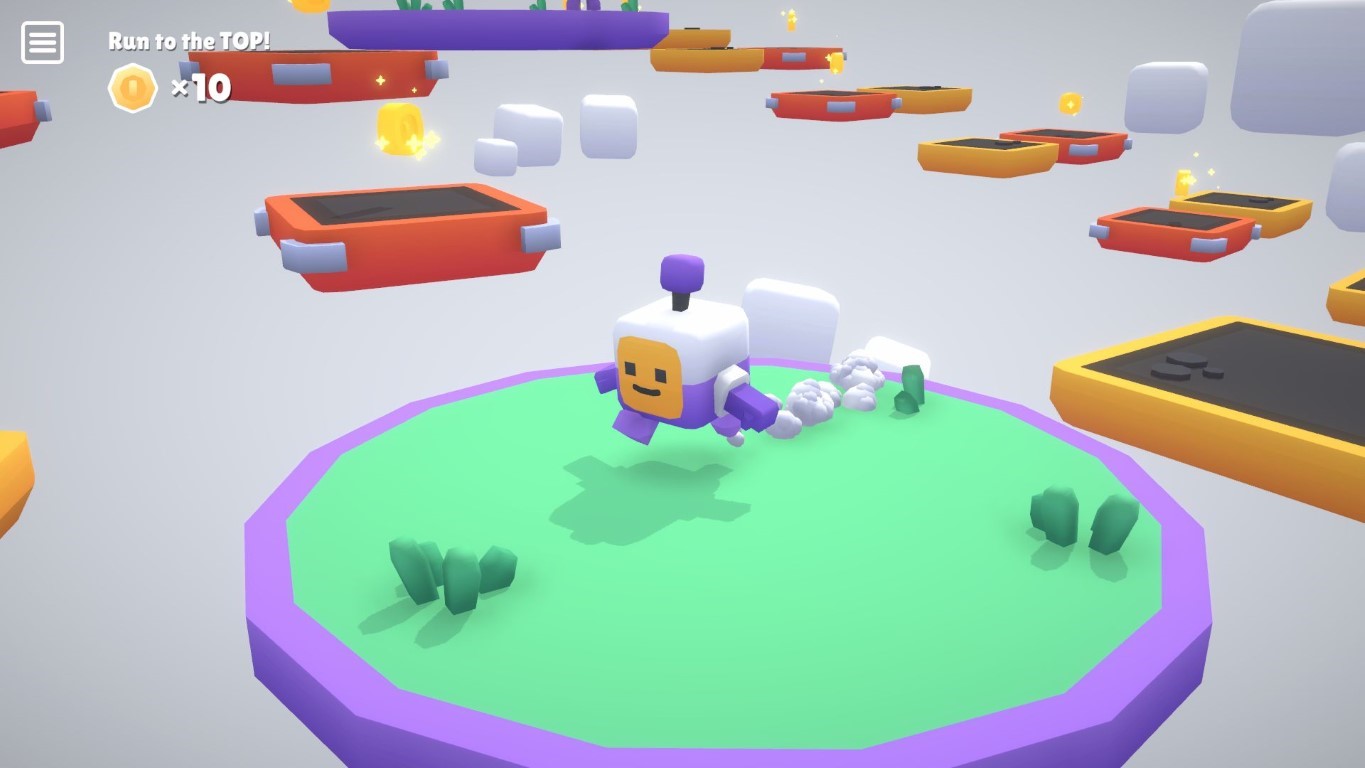
The project consists of a series of small, independent examples. Each example has its own folder and namespace. Currently, there are three examples available:
Fusion Starter is designed with a simple approach and understandable code in mind. All scripts are thoroughly commented to aid understanding. It is therefore accessible for beginners while still respecting Fusion best practices. Test how everything stays butter-smooth even under poor networking conditions.
Download
| Version | Release Date | Download |
|---|---|---|
| 2.1.1 | 9月 03, 2026 | Fusion Starter - Shared Mode 2.1.1 |
Preparation Guide
It is recommended to have a basic understanding of Fusion and to have completed the Intro Tutorial tutorial before diving into this sample.
Requirements:
- Unity 2022.3
- Fusion AppId: To run the sample, first create a Fusion AppId in the PhotonEngine Dashboard and paste it into the
App Id Fusionfield in Realtime Settings (reachable from Tools/Fusion/Realtime Settings menu). Continue with instructions in Starting The Game section.
Project Organization
Project is structured as a set of three small independent examples.
| /00_MainMenu | Main menu scene |
| /01_ThirdPersonCharacter | Third Person Character example |
| /02_Platformer | Platformer example |
| /03_Shooter | Shooter example |
| /Common | Prefabs, scripts and graphical assets common to all examples |
Starting The Game
Each example within Fusion Starter is accessible via its own scene file, which can be opened and played directly. Alternatively, all examples can be launched from the MainMenu scene located at /00_MainMenu/00_MainMenu.
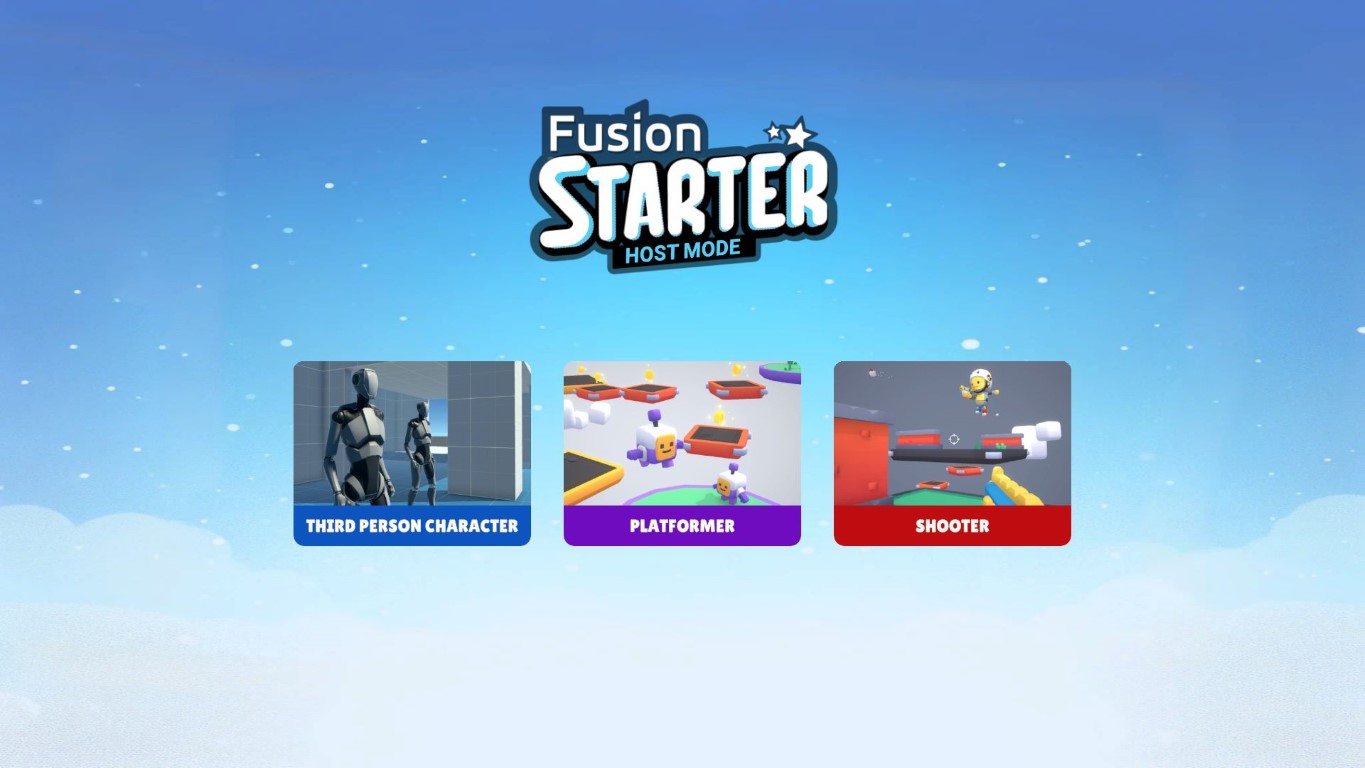
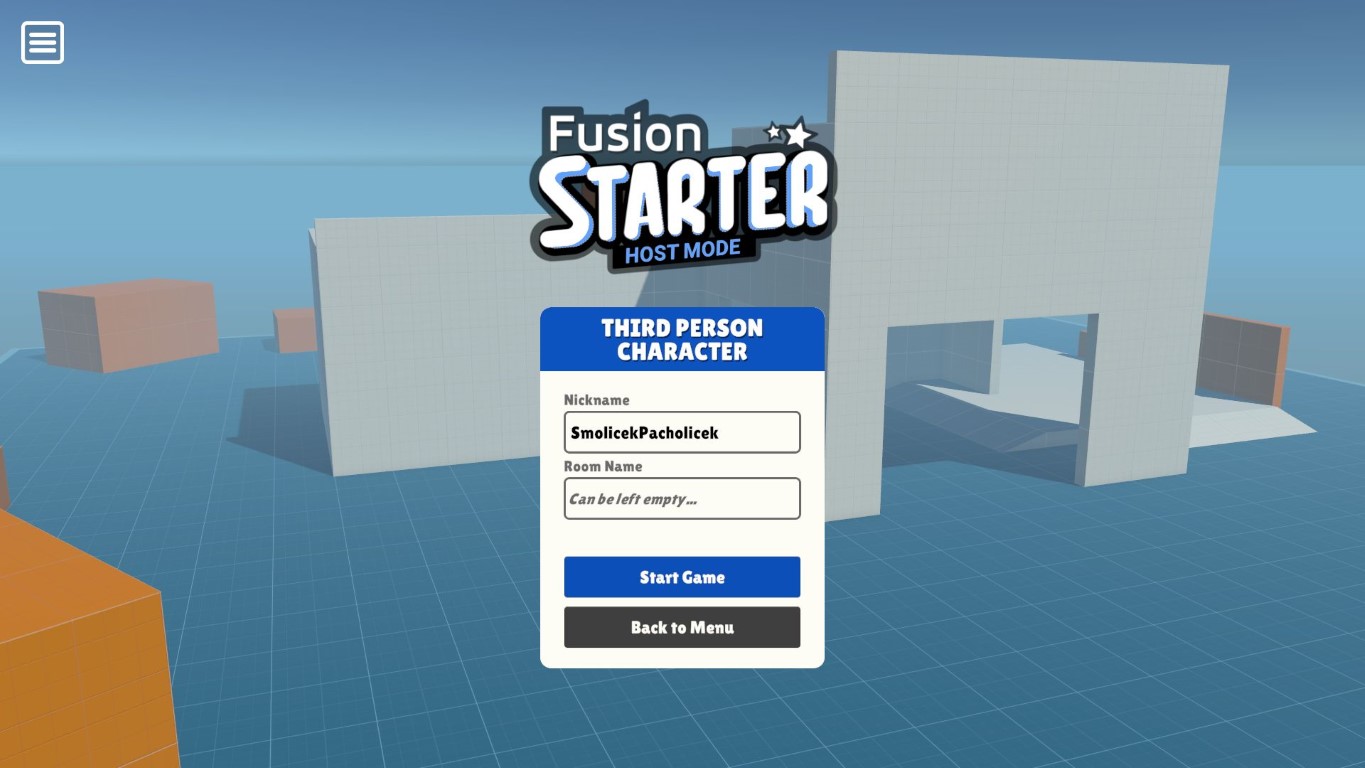
Upon starting the game, a small game menu appears where players can enter a nickname or a session name (also known as a room name). Clicking the Start Game button will initiate a new game session, or connect the player to an already existing game.
For navigation:
- Use the
W,S,A,Dkeys for movement. - Use the
Shiftkey for sprint and theSpacekey for jump. - Use the mouse for looking around.
- Use
Left mouse buttonfor weapon fire (only in the Shooter example) - Press the
Esckey to open the game menu during play.
1 - Third Person Character
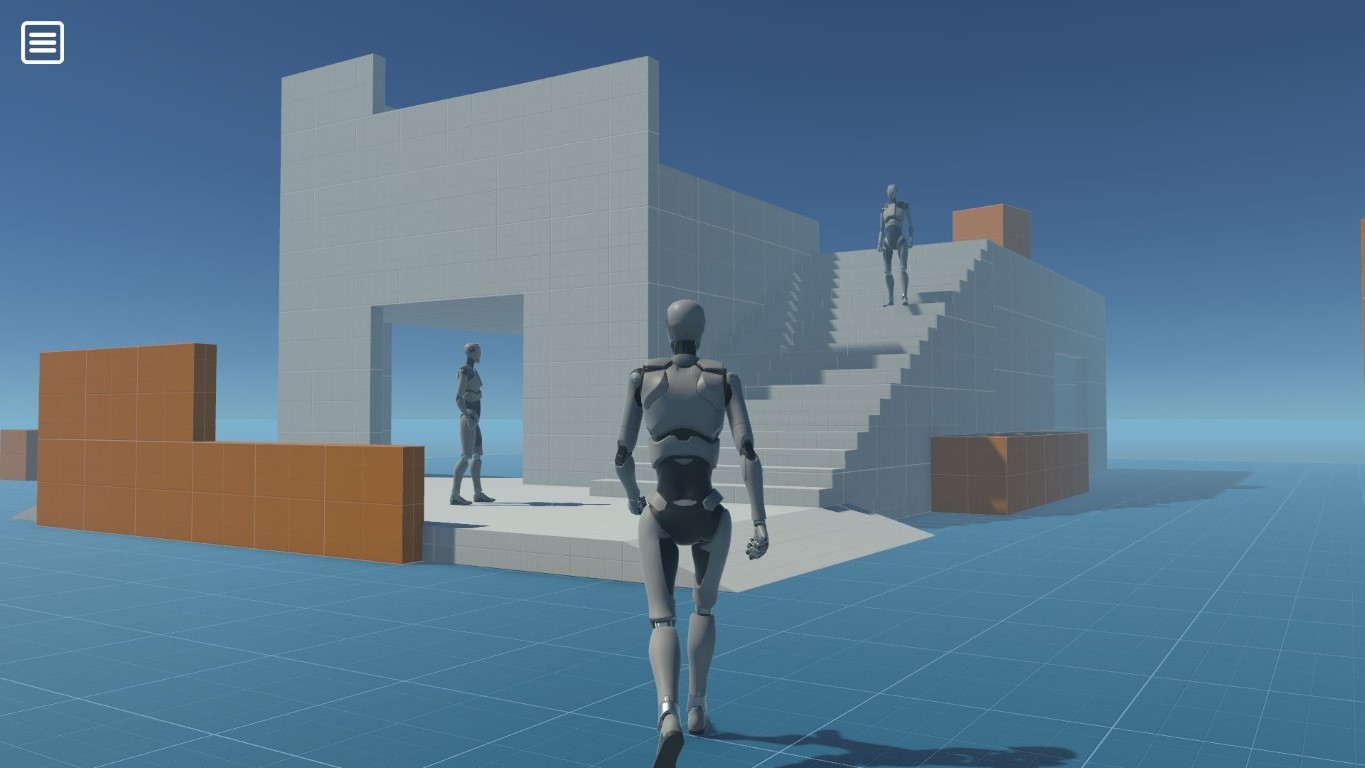
The Third Person Character sample is a conversion of the Starter Assets - Third Person provided by Unity into a multiplayer environment. Players can spawn as third-person characters, walk, and run around in a prototype environment. Instead of using the default CharacterController component, this example uses the Simple KCC addon to drive player movement. The Simple/Advanced KCC addon is our kinematic character controller (KCC) solution specifically tailored for Fusion. It provides butter-smooth movement and rotation even under the most challenging networking conditions while being highly optimized to handle dozens or even hundreds of characters on a single CPU server core.
Where to go next
2 - Platformer
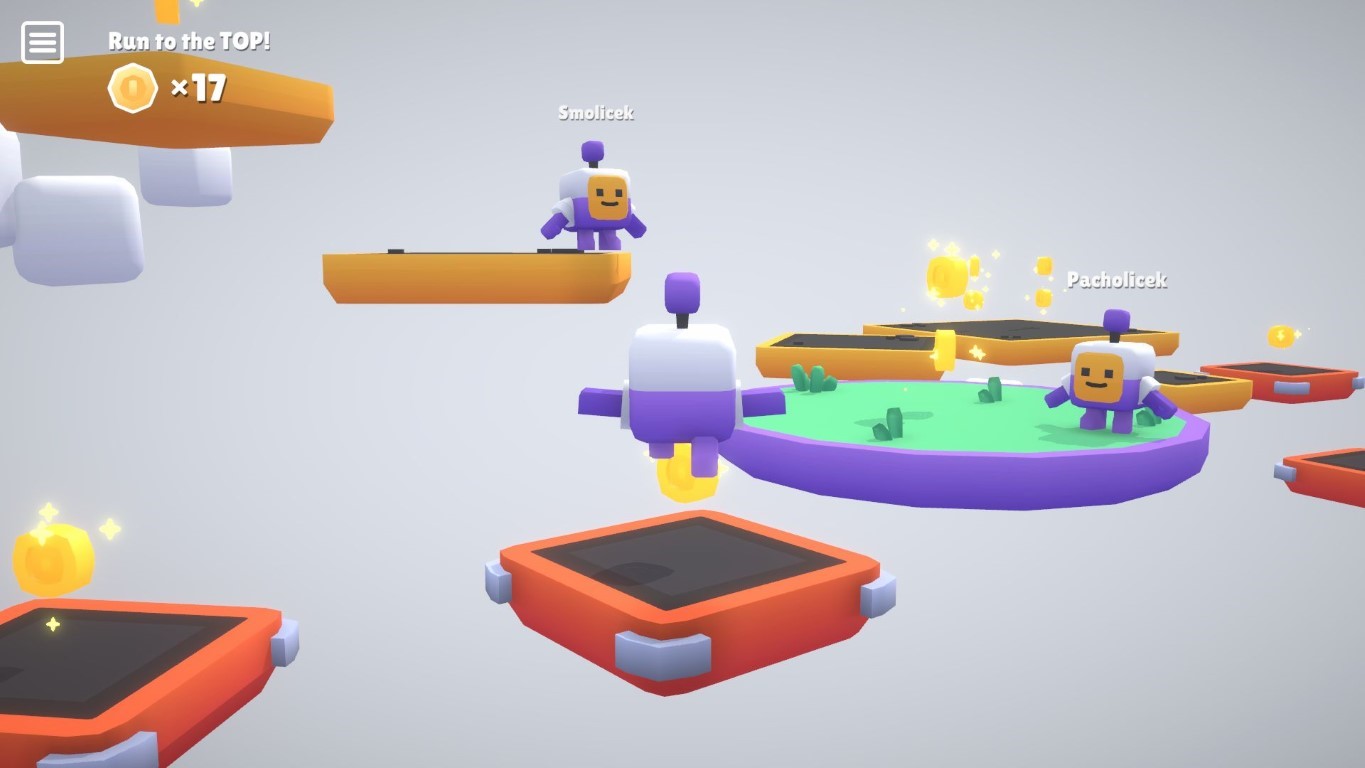
The Platformer example builds on a similar foundation as the Third Person Character example and adds interaction with game objects (e.g., coins, falling platforms), usage of RPCs (e.g., nameplates above player heads), and a simple game loop where players race to collect 10 coins and reach the top flag. After each round, all players are restarted back to the starting point.
Where to go next
3 - Shooter
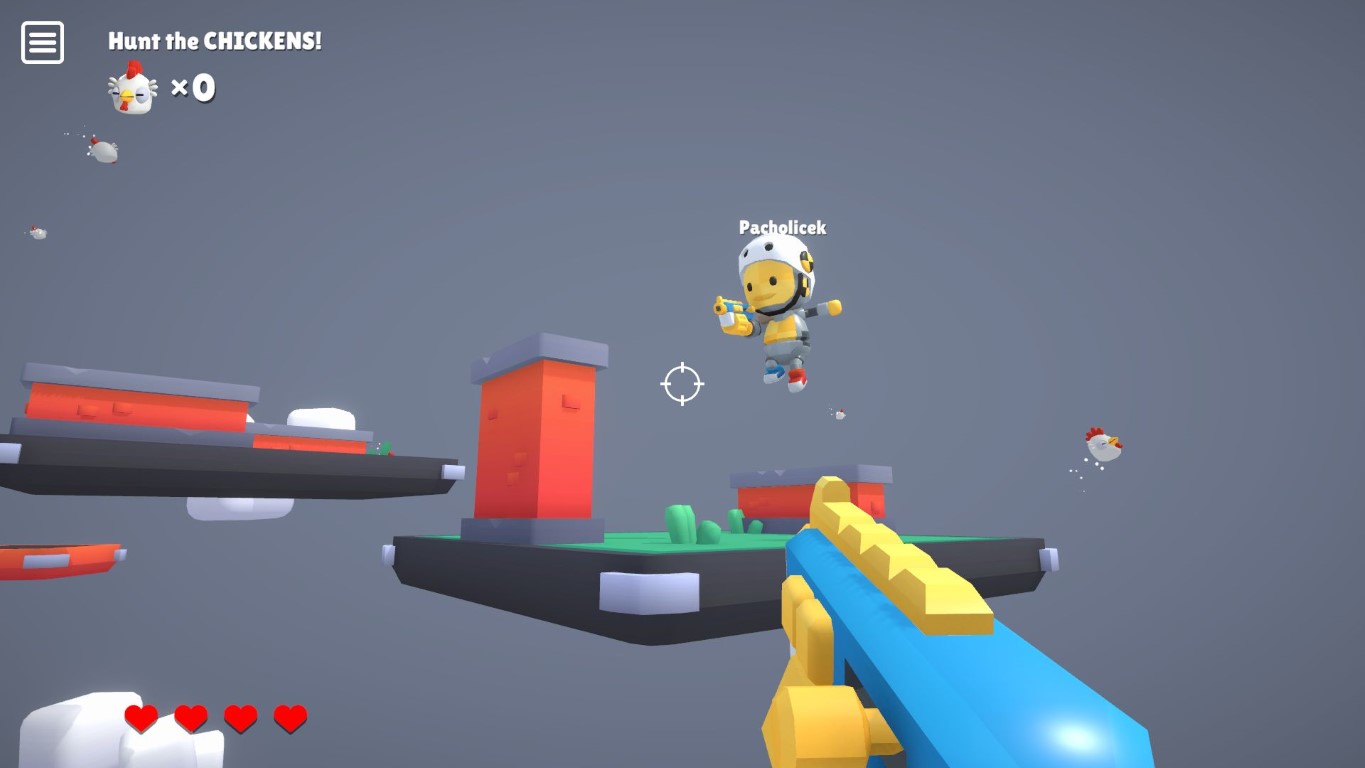
The Shooter example showcases a simple first-person shooter. Players compete to be the best hunter by shooting flying chickens. The chicken counter resets when a player dies, either by falling from a platform or being killed by another player. The clients make decisions about their hits locally and inform other clients to apply damage to themselves (check RPC_TakeHit in Health.cs script).
Where to go next
3rd Party Assets
The Fusion Starter sample is built around several awesome third party assets:
- Starter Kit 3D Platformer by Kenney under CC0 license
- Starter Kit FPS by Kenney under CC0 license
- Starter Assets: Character Controllers | URP by Unity under Unity Companion License
Please read the UCL license terms carefully before downloading and using the asset.
Last updated on
Back to top