Create A Photon Fusion App ID
Go to the Photon Engine Dashboard and log in or create an account.
On the dashboard select YOUR > APPS > Development and press CREATE A NEW APP.
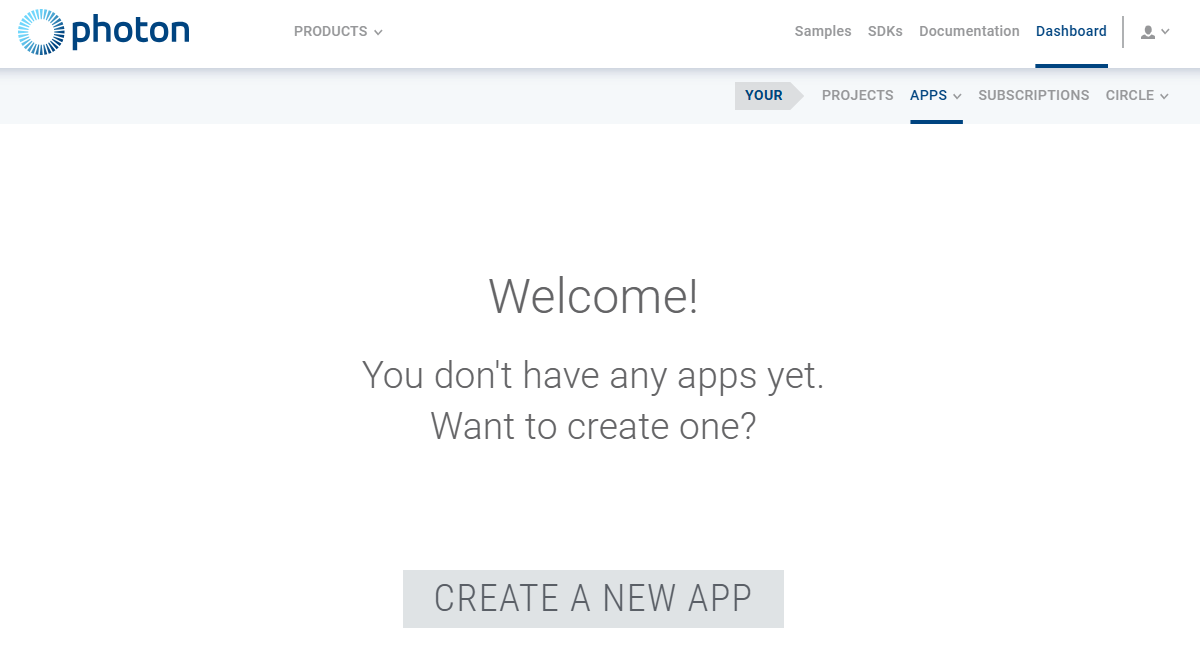
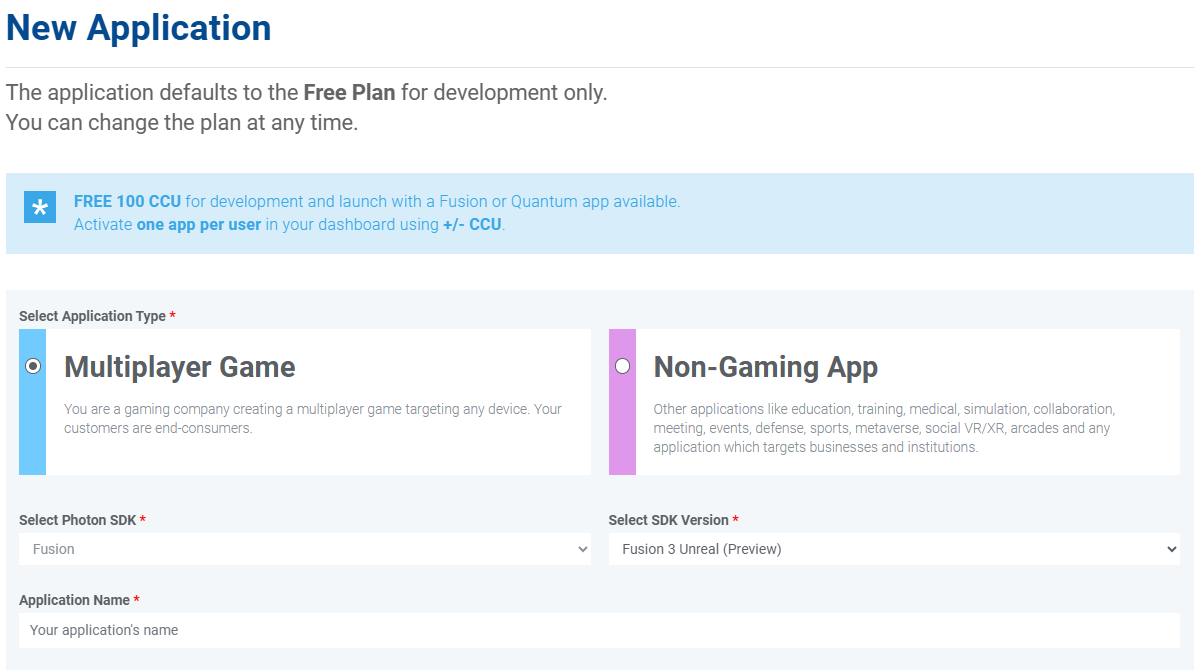
- Select Fusion as Photon SDK
- Select Fusion 3 Unreal as SDK Version
- Give the Application a name
- Press
CREATE
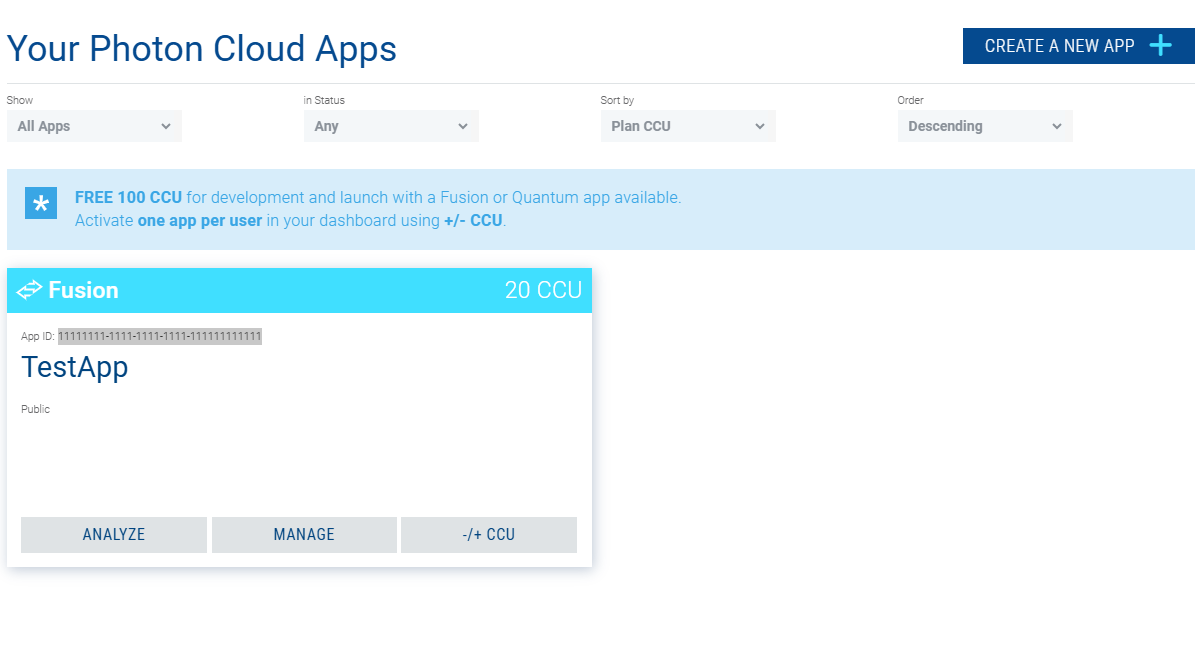
Copy the App ID from the newly created Fusion app.
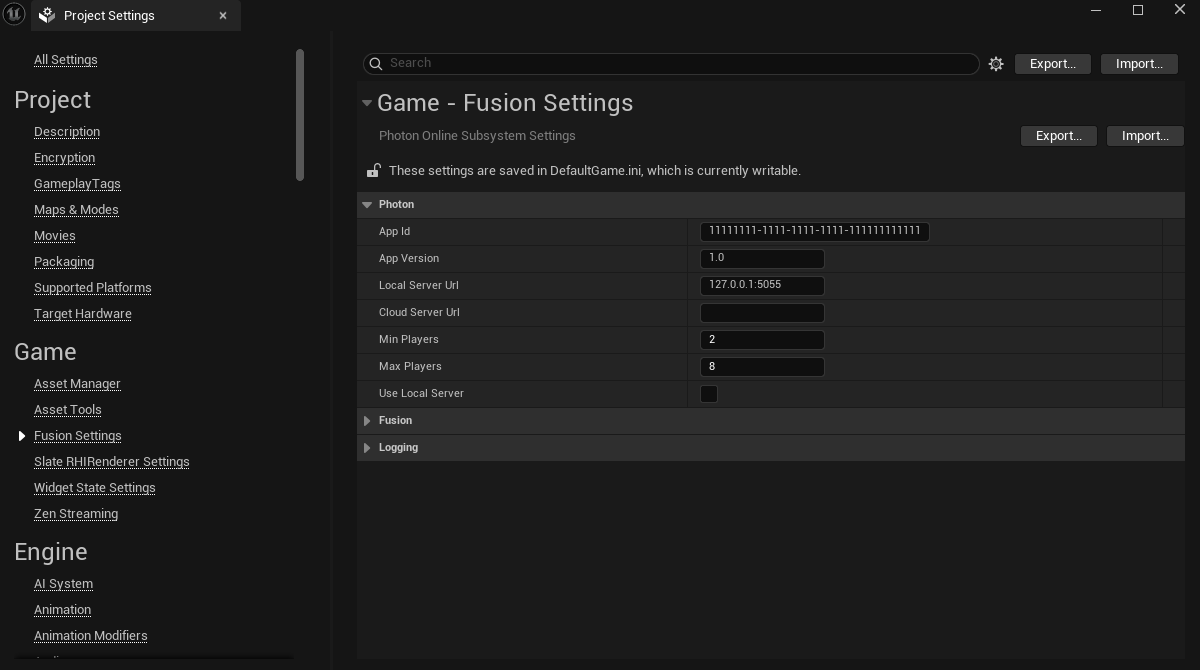
Open the Fusion Settings section of the project settings and fill in your App ID.