Waiting Room
Overview
In some games, players wait in a starting room before an actual gameplay session starts. Some users call this a lobby, but this differs from Photon's definition of a lobby. In this sample, we will refer to this as a Waiting Room since players are already in a Room together and waiting for a match to start. This sample demonstrates one way to do such a waiting room.
In this Waiting Room, various aspects of the game could be handled by setting CustomProperties on players and the room itself with Photon Realtime API calls. This, however, has two flaws when working with Photon Quantum:
- Local and replays won't function properly because they will not have access to a Room since Rooms are only used in online play.
CustomPropertiescan be set by any client and bypass Quantum's inherit security via determinism.
Instead, of using CustomProperties, users can do all of this work on the simulation side by disabling and enabling different systems and making use of deterministic commands.
Download
| Version | Release Date | Download |
|---|---|---|
| 3.0.8 | Jan 07, 2026 | Quantum Waiting Room 3.0.8 |
Technical Info
The project has been developed with:
- Unity
6000.0.58f2 - Quantum
3.0.8
Screenshots
Highlights
Waiting Room
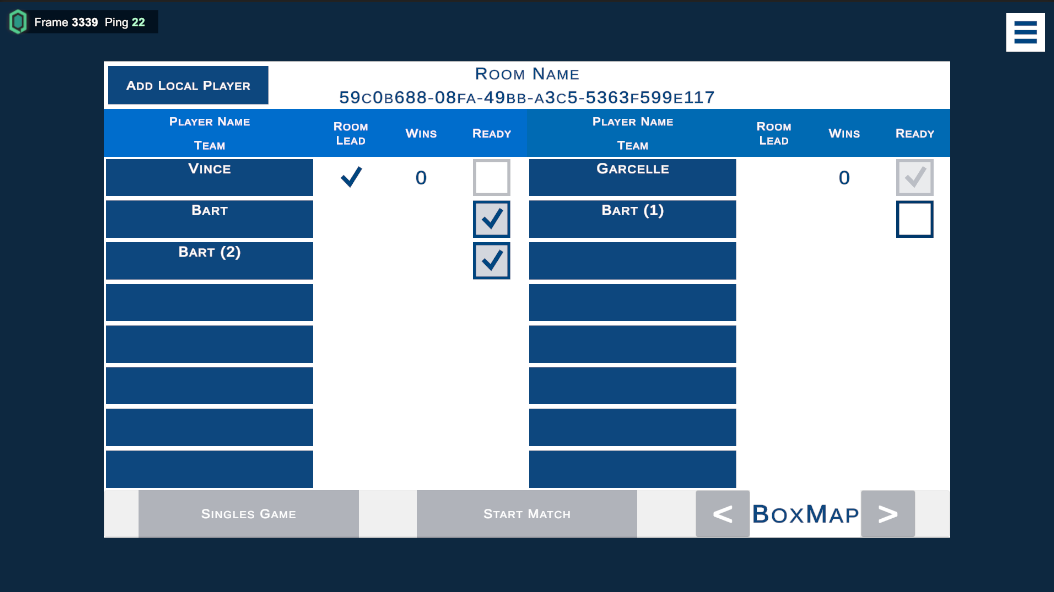
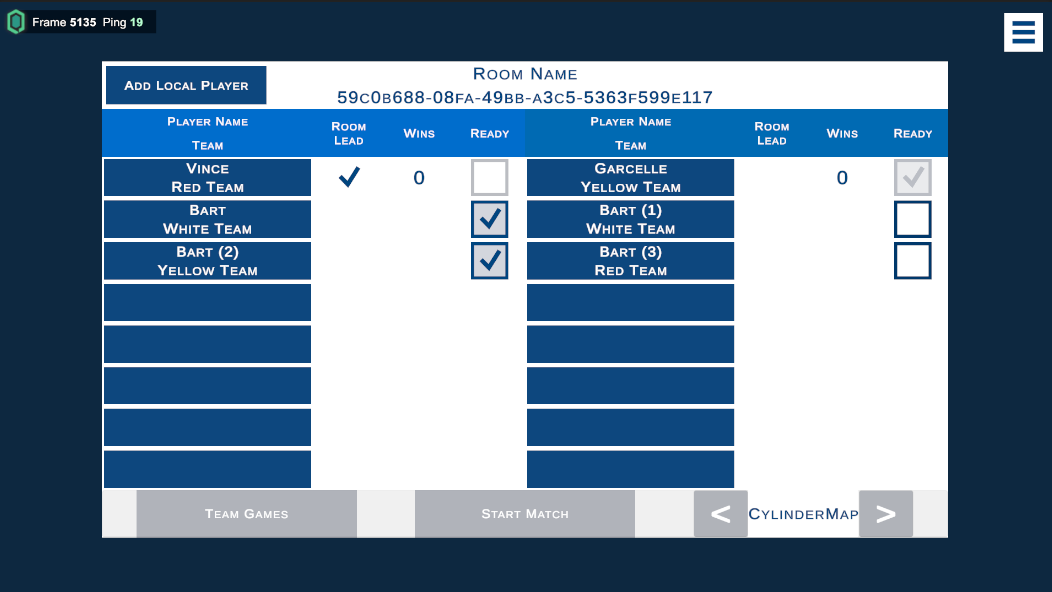
Players join a Waiting Room with up to 16 players. They can signify if they are ready and want to be included in the game or not. One player is designated as the Room Leader, similar to the Master Client, that has control over a few extra privileges that allow them to...
- start the match once at least two players or two teams are ready.
- determine if the game is all for one or a team game.
- change which map is played on during the game. There are only two in this sample.
Coin Collector Game
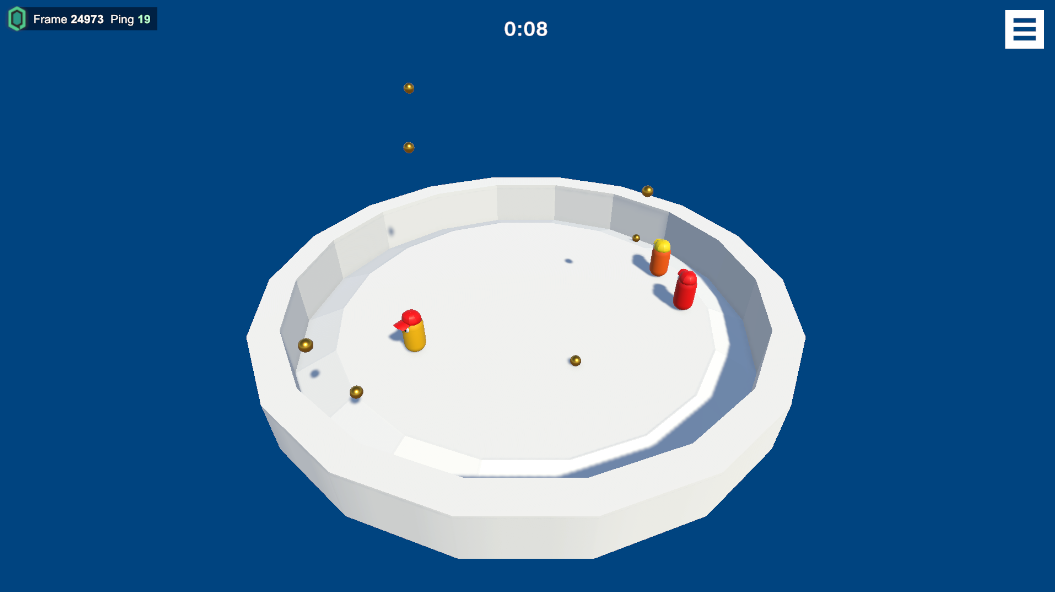
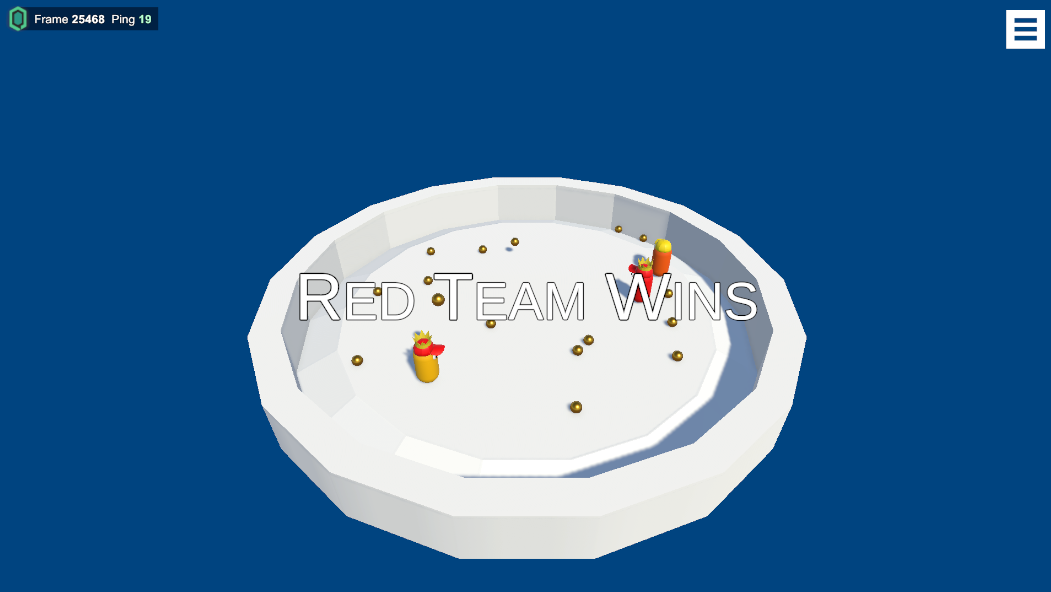
A simple game in which players have a short amount of time to collected as many "coins" that fall from above. Players moving using basic WASD controls. Once the game ends, instead of ending the simulation, the players return to the Waiting Room.
Commands
In Quantum applications, input is usually defined in a .qtn file and later polled. For a menu like the Waiting Room's, Buttons could be defined and polled on every press; however, this does not scale and adds additional, unnecessary information to polled inputs. Instead, this sample uses DeterministicCommands, to send information. There are five different commands used in this sample:
PlayerReadyCommand: Indicates the player is ready and wants to participate in the match. Note, sending aPlayerRefin a command is usually not necessary; however, because some players can be local, it's done to distinguish between which local players are ready.ToggleTeamModeCommand: Toggles between a solo match or a team match.ChangeTeamCommand: If a team match, each player can change their team by clicking their own name. In this sample, there are three teams.ChangeGameplayMapCommand: Changes theQuantumMapthat will be used in the game session. Currently, there are currently only two.OnStartMatch: Once two player are ready or two teams with at least one player each are ready, this button enables and when clicked, the selectedQuantumMapwill load and the game will start.
Further Steps
For further steps, try some of the following:
- Track different information for players by updating the
WaitingPlayercomponent inWaitingRoom.qtn. - Create new arenas and add their
QuantumMapsto the Simulation Config'sArenaMapsarray. - Try saving a replay of just the gameplay by starting the recording when the match starts and ending the recording before returning to the Waiting Room.